A few taps for the usual.
Find foods from your library or catalogue. Reuse meals, favourites and previous days, with the foods you recently ate at that meal close at hand.
 weat
weat
Turn your training plan into daily nutrition targets, familiar meals and a clearer plan for every session.
Open Weat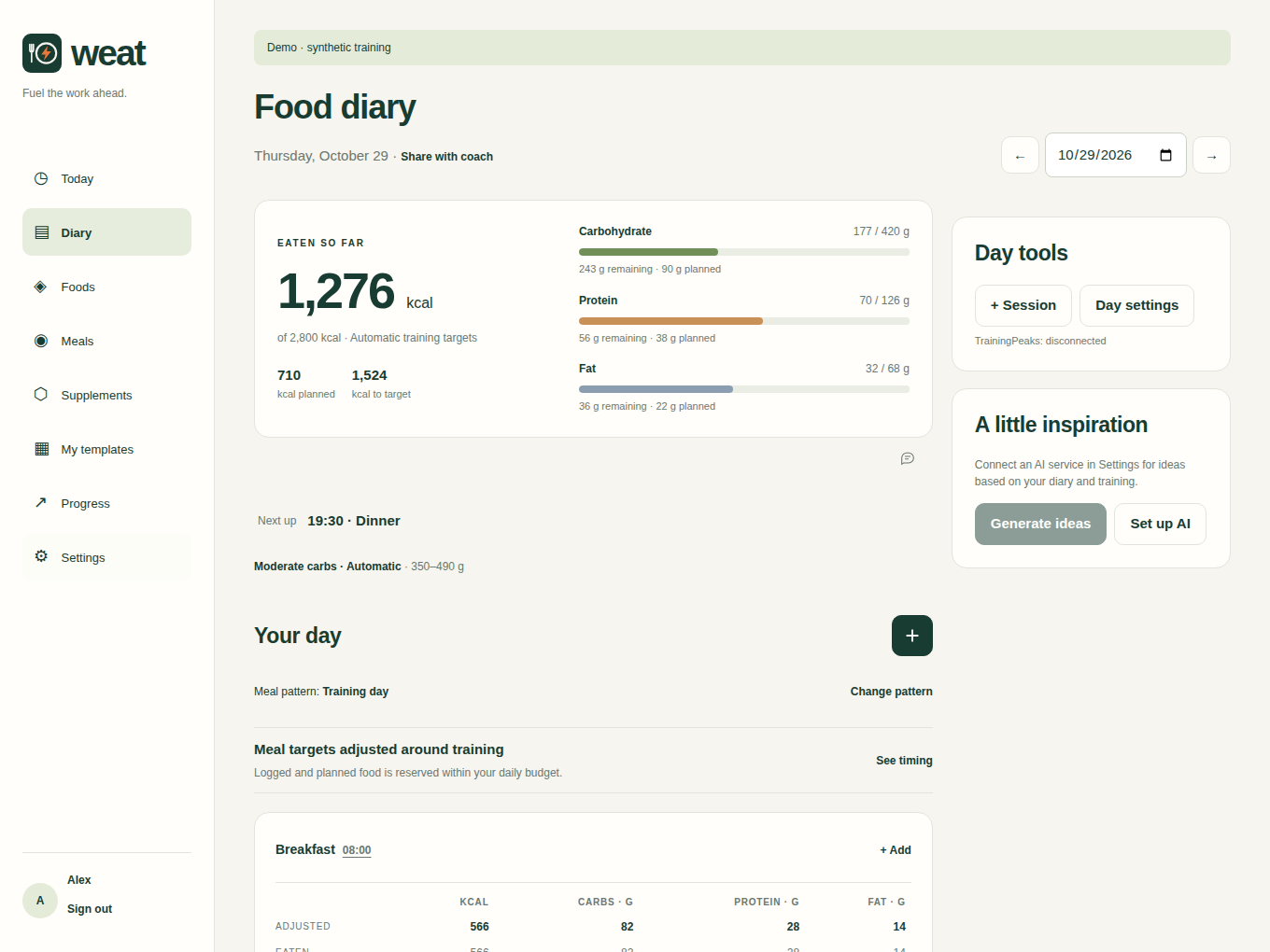
Connects with TrainingPeaks
Plan the session. Put the food around it.
Nutrition that follows your day
Your calendar gives your food diary context. Weat uses training duration and intensity to select carbohydrate targets, then allocates your macros around meals and sessions.
See what’s coming and plan meals around the work ahead.
Log gels, drinks and food alongside your planned fuel. Your coach’s nutrition notes help set the plan.
Recorded training updates the estimated energy budget. See what you’ve eaten against your adjusted targets.
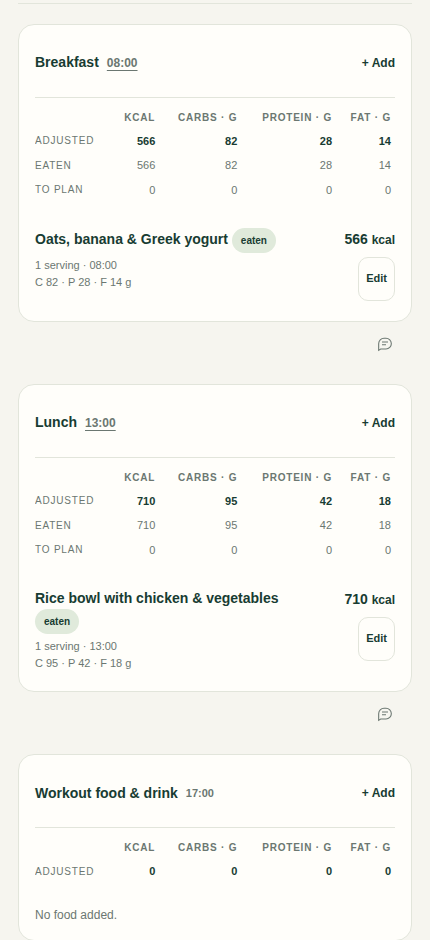
Find foods from your library or catalogue. Reuse meals, favourites and previous days, with the foods you recently ate at that meal close at hand.
With AI configured, describe what you ate and when. Review the portions and labelled macro estimates, then save the food for next time.
Set your daily meal pattern, move a meal when plans change, and track supplements with reusable stacks.
Share a link to meals, daily balance and session fuel. Your coach can choose a date range and leave comments on a day or meal, with the same conversation in your diary.
You choose when to share. You can revoke the link.
Open WeatWeat combines your calorie baseline with estimated exercise energy and your chosen goal adjustment. Training informs the carbohydrate range; meal timing helps distribute targets across the day. You can see the inputs and adjust them in the app.
The approach follows the principle of matching carbohydrate availability to the work required. Targets are estimates, and missing inputs stay visible.
You can log food and add training sessions manually. Connecting TrainingPeaks brings your planned and recorded sessions into the diary, along with relevant coach nutrition notes.
The web app works on your iPhone, tablet or computer. A native iPhone app is in private testing; it is not yet available on the App Store.
Your diary belongs to your account. Creating a coach link shares the coach view and enables comments for anyone with that link. You can revoke it in the app.
AI features are optional. When you use them, the configured AI provider receives the information needed for that request; the app lets you inspect the suggestion context. Keep access keys and coach links private.